
How To Program My Genie Garage Door Remote
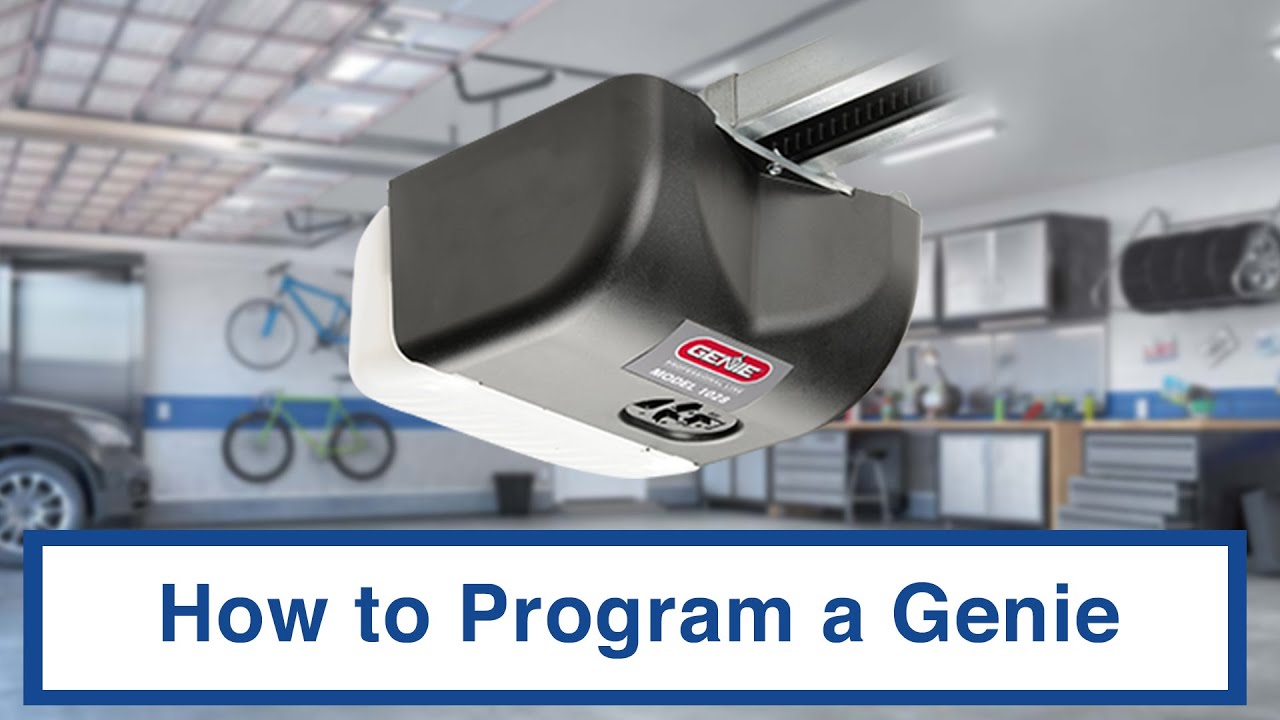
So, you've got a new Genie garage door opener, or maybe your trusty old remote finally decided to retire to that big parts bin in the sky. Either way, you're staring at that shiny new remote, wondering how to make it talk to your garage door like they're old pals. Don't worry, programming a Genie remote isn't rocket science, though some models definitely make you feel like you're prepping for a lunar launch. Let's dive into the nitty-gritty and get that door opening with a button press!
Decoding Your Genie: Remote Types and Opener Compatibility
Before we get our hands dirty, it's crucial to know what we're working with. Genie remotes and openers come in various flavors, each with its own quirks. Key differentiators include the type of Intellicode security system (Intellicode 1 vs. Intellicode 2), the presence of Smart Home compatibility (Aladdin Connect), and the physical design of the remote itself. Think of it like choosing between a naturally aspirated V8 and a turbocharged four-cylinder – both get you there, but the experience is wildly different.
Common Genie Remote Models: A Quick Overview
- G3T-R: A ubiquitous 3-button remote, often found with older Genie openers. Known for its relative simplicity.
- GITR-3: An Intellicode 2 upgrade from the G3T-R, offering enhanced security and rolling code technology.
- G1T-BX: A compact, single-button remote – ideal for keychains.
- Universal Remotes: Many universal remotes are compatible with Genie openers, but programming can be more involved.
Intellicode: The Brains Behind the Operation
Genie's Intellicode technology is designed to prevent unauthorized access to your garage. It uses a rolling code, meaning the code transmitted changes each time you use the remote. This makes it virtually impossible for someone to "steal" your code and gain entry. Intellicode 2 offers even greater security than its predecessor.
Programming Procedures: A Step-by-Step Guide
Okay, time for the fun part! The programming method depends on your specific Genie opener and remote. Here are the general steps, but always consult your owner's manual for the most accurate instructions.
Method 1: Using the "Learn" Button on the Opener
This is the most common and straightforward method.
- Locate the "Learn" button: This button is usually on the back or side of the garage door opener motor unit. It's often a brightly colored button (typically red, orange, or yellow).
- Press the "Learn" button: Press and release the "Learn" button. A small LED next to the button will usually light up, indicating that the opener is in learning mode. You generally have around 30 seconds to complete the next step.
- Press the Remote Button: Choose the button on your remote that you want to program and press it. You might need to press it multiple times (usually 2-3 times) until the garage door opener light flashes or the door starts to move slightly. This confirms that the remote's signal has been recognized.
- Test: After the opener light flashes or the door twitches, try pressing the programmed button on your remote again to open and close the garage door. If it works, you're golden!
Method 2: Programming from an Existing Remote (Cloning)
This method is sometimes available with certain models, allowing you to copy the signal from a working remote to a new one. Refer to your owner's manual to see if this method is supported.
Troubleshooting Tips
- Battery Check: Make sure the remote's battery is fresh. A weak battery can cause intermittent or failed programming.
- Distance: Be close to the opener when programming. Too much distance can interfere with the signal.
- Interference: Other electronic devices can sometimes interfere with the signal. Try moving away from potential sources of interference.
- Multiple Presses: Some remotes require multiple presses of the button during the programming process.
- Factory Reset: If you're having persistent problems, try resetting the garage door opener to its factory settings (refer to your manual).
Genie vs. the Competition: Features and Functionality
Genie stands out with its focus on security and reliability. While some competitors might offer fancier smart home integrations out of the box, Genie's Intellicode system provides robust protection against unauthorized access. The Aladdin Connect system (available on certain models) also brings smartphone control to your garage door.
| Feature | Genie | Competitor A (Example: Chamberlain) | Competitor B (Example: LiftMaster) |
|---|---|---|---|
| Security | Intellicode Rolling Code | Security+ 2.0 Rolling Code | Security+ 2.0 Rolling Code |
| Smart Home Integration | Aladdin Connect (Optional) | myQ (Standard) | myQ (Standard) |
| Battery Backup | Available on some models | Available on some models | Available on some models |
| Price | Generally competitive | Generally competitive | Generally competitive |
Real-World Impressions
Programming a Genie remote, once you understand the basics, is typically a smooth experience. The Intellicode system provides peace of mind, knowing that your garage is secure. However, the sheer number of models and programming methods can be confusing. It’s like trying to choose the right spark plugs for your classic car – you need to know the specifics!
Pros:
- Reliable Intellicode security
- Durable construction
- Wide range of models to choose from
Cons:
- Programming can be confusing due to multiple methods
- Smart home integration (Aladdin Connect) requires additional purchase on some models
Ultimately, programming your Genie garage door remote is a necessary evil. It’s a bit like changing your car’s oil – not glamorous, but essential for keeping things running smoothly. So, crank up the tunes, grab your tools (okay, just your remote and maybe a screwdriver), and get that garage door talking!
Now for the fun part: Let's settle this once and for all! Is it better to have a dedicated garage door opener remote, or a universal remote that can control everything in your house? Sound off in the comments below!