
2010 Nissan Altima Windshield Wipers Size
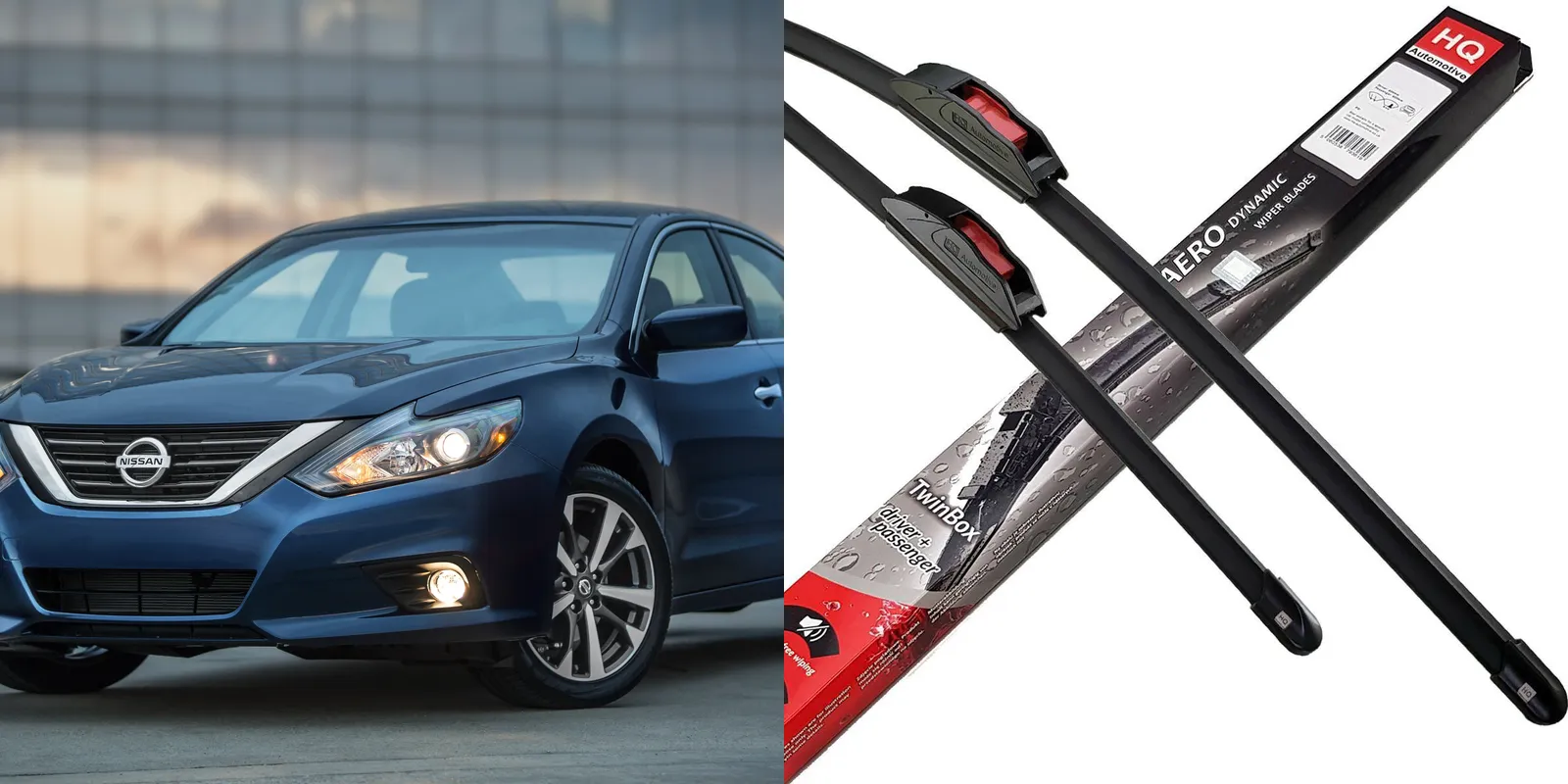
Hey there, fellow 2010 Nissan Altima owner! Are your windshield wipers leaving streaks, chattering loudly, or just generally not doing their job? You're not alone. One of the most common issues with wiper performance is simply using the wrong size blades. Let's dive into the specifics of 2010 Altima wiper sizes and how to make sure you're getting the best possible visibility.
Understanding the Correct Wiper Sizes for Your 2010 Altima
The 2010 Nissan Altima, regardless of the trim level (base, S, SR, or SL), uses a specific combination of wiper blade sizes. It's crucial to get this right, as blades that are too long can overlap or hit the trim, causing damage. Blades that are too short won't clean the full area of the windshield, reducing visibility, especially during heavy rain or snow. For your 2010 Altima, the correct sizes are:
Driver Side: 28 inches
Passenger Side: 17 inches
These sizes are standard across all 2010 Altima models. Keep in mind that slight variations might exist depending on aftermarket blade designs or if a previous owner installed incorrect sizes. Always double-check before purchasing. To verify, you can measure your existing blades or consult your owner's manual (if you have it). Many online retailers and auto parts stores also have vehicle fitment tools that you can use to confirm the correct sizes for your specific car.
Why is Using the Correct Size Important?
You might be thinking, "What's the big deal if I use a slightly different size?" Well, here's why it matters:
- Optimal Visibility: The correctly sized blades are designed to sweep the maximum area of your windshield, ensuring clear vision in all weather conditions.
- Prevent Damage: Overly long blades can hit the windshield trim, cowl, or even each other, potentially causing scratches, cracks, or other damage. This can lead to costly repairs down the road.
- Proper Function: Using the wrong size can affect the wiper motor's performance. Blades that are too large can put excessive strain on the motor, leading to premature wear and failure.
- Noise Reduction: Incorrectly sized blades can cause excessive noise (chattering, squeaking) as they struggle to move across the windshield.
- Safety: Ultimately, using the correct size contributes to safer driving. Clear visibility is paramount, especially during inclement weather.
Troubleshooting Common Windshield Wiper Problems
Even with the correct wiper size, you might still encounter issues. Here are some common problems and how to address them:
- Streaking: This is often caused by worn-out or dirty wiper blades. Try cleaning the blades with a damp cloth and mild soap. If the streaking persists, it's time for new blades.
- Chattering: Chattering can be caused by several factors, including a dirty windshield, worn-out blades, or a bent wiper arm. Clean the windshield thoroughly and inspect the wiper arms for any signs of damage. Sometimes, applying a windshield treatment like Rain-X can help.
- Skipping: Skipping occurs when the blades fail to make consistent contact with the windshield. This is usually due to worn blades or a bent wiper arm. Check the blades for damage and inspect the wiper arms.
- Squeaking: Squeaking is often caused by dry blades rubbing against the windshield. Clean the blades and windshield. If the squeaking continues, consider using a windshield washer fluid with a lubricant.
- Wiper Blades Not Moving: If your wipers aren't moving at all, check the fuse first. A blown fuse is a common cause. If the fuse is good, the problem could be with the wiper motor, the wiper switch, or the wiring. This may require professional diagnosis.
Replacing Your 2010 Altima Windshield Wipers: A Step-by-Step Guide
Replacing your windshield wipers is a relatively simple DIY project that can save you money. Here's what you'll need and how to do it:
Tools Needed:
- New windshield wiper blades (28" for the driver side and 17" for the passenger side)
- A clean cloth or paper towels
- (Optional) Small flathead screwdriver (may be needed depending on the wiper blade attachment type)
Steps:
- Lift the Wiper Arm: Carefully lift the wiper arm away from the windshield. Be gentle to avoid scratching the glass.
- Locate the Wiper Blade Attachment: Examine where the wiper blade connects to the wiper arm. There are typically two common types of attachments: a J-hook or a pin-type.
- Detach the Old Blade:
- J-Hook: Most J-hook attachments have a small tab or clip that you need to depress or lift to release the blade. Once released, slide the old blade down and off the J-hook.
- Pin-Type: Pin-type attachments usually have a small pin that holds the blade in place. You may need a small flathead screwdriver to gently pry the pin out. Once the pin is removed, slide the old blade off.
- Attach the New Blade:
- J-Hook: Slide the new blade onto the J-hook until it clicks or locks into place. Make sure it's securely attached.
- Pin-Type: Slide the new blade onto the arm and reinsert the pin. Ensure the pin is fully seated and the blade is securely attached.
- Lower the Wiper Arm: Carefully lower the wiper arm back onto the windshield.
- Repeat for the Other Side: Repeat steps 1-5 for the other wiper blade.
- Test: Turn on your windshield wipers to ensure they are working correctly and clearing the windshield effectively.
Choosing the Right Wiper Blades
With so many wiper blades on the market, choosing the right ones can be overwhelming. Here are some factors to consider:
- Type of Blade:
- Conventional Blades: These are the most common and affordable type. They typically have a metal frame with a rubber blade.
- Beam Blades: Beam blades have a frameless design that conforms better to the curvature of the windshield, providing more consistent contact. They often perform better in snow and ice.
- Hybrid Blades: Hybrid blades combine the features of conventional and beam blades, offering a balance of performance and durability.
- Material: Most wiper blades are made of rubber, but some use silicone or other synthetic materials. Silicone blades tend to last longer and perform better in extreme temperatures.
- Price: Wiper blade prices can range from a few dollars to over $30 per blade. Consider your budget and the level of performance you need.
- Reviews: Read online reviews to see what other 2010 Altima owners are saying about different wiper blade brands and models.
Popular brands include Bosch, Rain-X, PIAA, and Trico. Ultimately, the best wiper blade for you will depend on your budget, driving conditions, and personal preferences.
Estimated Cost and When to Seek Professional Help
Replacing your windshield wipers yourself is very cost-effective. You can expect to pay anywhere from $15 to $60 for a pair of wiper blades, depending on the brand and type. Installation is free if you do it yourself. Having a mechanic do it typically adds $10-$30 to the cost.
However, if you encounter any of the following issues, it's best to seek professional help from a qualified mechanic:
- Wiper Motor Failure: If the wipers aren't moving at all, even after checking the fuse, the motor may be faulty.
- Wiper Linkage Problems: The linkage connects the wiper motor to the wiper arms. If the linkage is damaged or broken, the wipers won't function properly.
- Wiper Switch Issues: A faulty wiper switch can prevent the wipers from turning on or functioning correctly.
- Wiring Problems: Damaged or corroded wiring can also cause wiper problems.
Diagnosing and repairing these issues can be complex and requires specialized tools and knowledge. Expect to pay anywhere from $100-$500 or more for these repairs, depending on the specific problem and the labor rates in your area.
By ensuring you're using the correct 2010 Nissan Altima windshield wiper size and addressing any common issues promptly, you can maintain clear visibility and safe driving conditions. Don't hesitate to reach out to a trusted mechanic if you encounter problems beyond basic wiper blade replacement. Drive safe!