
Como Quitar El Inmovilizador De Un Altima
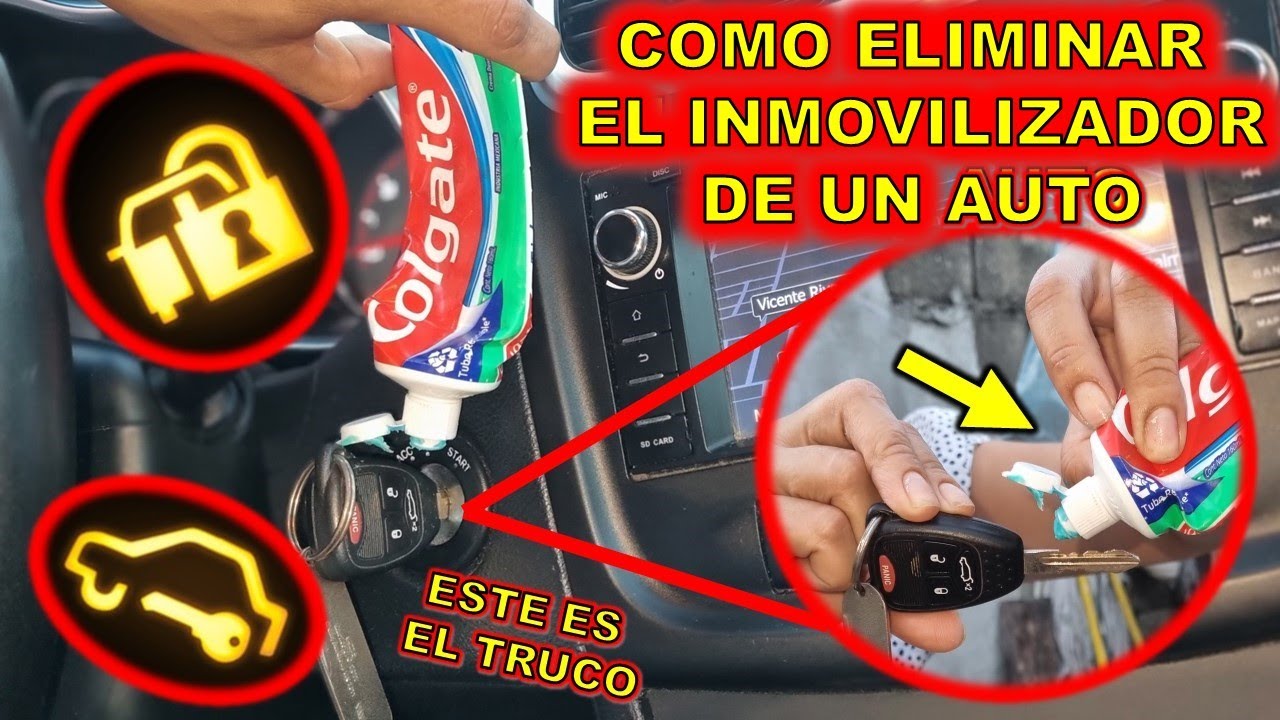
¡Hola! Having trouble with the immobilizer on your Nissan Altima? It's a frustrating problem, especially when you just want to get on the road. As a service advisor, I've seen this issue countless times. The good news is, while it can seem complex, there are steps you can take to troubleshoot and potentially resolve it. Let’s break down what an immobilizer is, common causes for activation, and what you can do to get your Altima running smoothly again.
Understanding the Altima Immobilizer System
The immobilizer system is a security feature designed to prevent theft. It works by disabling the engine unless a valid key (or transponder chip within the key) is present. When you insert your key into the ignition, the immobilizer control unit sends a signal to the key. If the key responds with the correct code, the system allows the engine to start. If the key is incorrect, damaged, or the system has a malfunction, the immobilizer activates, preventing the engine from starting. You'll often see a security light flashing on your dashboard, which indicates the system is active.
Common symptoms of an active immobilizer include:
- The engine cranks but doesn't start.
- The security light (usually a key symbol or a car with a key) flashes continuously or stays illuminated.
- The starter motor doesn't engage at all.
- The car starts briefly and then stalls immediately.
Common Causes of Immobilizer Problems
Pinpointing the cause is crucial for finding the right solution. Here are some of the most frequent culprits:
1. Key Problems:
This is the most common issue. The transponder chip inside your key can become damaged, deprogrammed, or simply lose its signal. Things that can damage the transponder are:
- Physical Damage: Dropping your keys frequently or exposing them to extreme temperatures can damage the delicate electronics inside.
- Battery Issues (if applicable): Some Altima keys have batteries for remote functions, and a dead battery can sometimes interfere with the transponder signal.
- Interference: Strong electromagnetic fields can sometimes interfere with the transponder's ability to communicate with the immobilizer system. This is rare, but worth considering if you've been near strong magnets or other electronic devices.
2. Low Battery Voltage:
A weak or dying car battery can cause all sorts of electrical gremlins, including immobilizer activation. The immobilizer system is sensitive to voltage fluctuations. Make sure your battery is in good condition and fully charged.
3. Faulty Immobilizer Control Unit:
The immobilizer control unit itself can fail, although this is less common than key or battery problems. This unit is responsible for receiving the signal from the key and authorizing the engine to start.
4. Wiring Issues:
Damaged or corroded wiring in the immobilizer circuit can disrupt the signal flow and trigger the system. This is more likely in older vehicles or those exposed to harsh environments.
5. Aftermarket Alarm Systems:
If you have an aftermarket alarm system installed, it might be interfering with the factory immobilizer. These systems can sometimes malfunction and cause false alarms or prevent the engine from starting.
6. Computer/ECU Issues:
While less common, the car's ECU (Engine Control Unit) itself can have corrupted software or other issues that cause the immobilizer to not recognize the key or function properly.
Troubleshooting Steps and Potential Solutions
Now, let's get into the nitty-gritty of troubleshooting. Here's a step-by-step approach you can take:
1. Try Your Spare Key:
This is the easiest and often the most effective first step. If your spare key starts the car, it confirms that the original key is the problem. If that's the case, you'll need to get a new key programmed (more on that later).
2. Check Your Car Battery:
Use a voltmeter to check the battery voltage. It should read at least 12.6 volts when the engine is off. If it's lower, try jump-starting the car or charging the battery. If the car starts after a jump start, it indicates a battery problem. It might need to be replaced. You can get your battery tested at most auto parts stores for free.
3. Key Fob Battery (If Applicable):
Even if the transponder chip doesn't *require* a battery for starting, a weak battery in your key fob for remote unlocking can sometimes cause communication issues. Try replacing the battery. The battery type is usually a CR2032 button cell. It's inexpensive and easy to replace.
4. Reset the Immobilizer System (Attempt):
Sometimes, a simple reset can clear a temporary glitch in the system. This method doesn't always work, but it's worth a try:
Disclaimer: This method is based on common troubleshooting steps, but it may not work on all Altima models or in all situations. Consult your owner's manual for specific instructions for your vehicle.
a. Insert the key into the ignition and turn it to the "ON" position (without starting the engine).
b. Leave the key in the "ON" position for approximately 10-15 minutes.
c. Turn the key to the "OFF" position and remove it from the ignition.
d. Wait a few seconds, then try starting the engine.
If the car starts, great! If not, proceed to the next steps.
5. Inspect Wiring Connections:
This is a more advanced step and may require some mechanical knowledge. Locate the immobilizer control unit (refer to your vehicle's repair manual for its location). Visually inspect the wiring harness and connectors for any signs of damage, corrosion, or loose connections. If you find any, carefully clean and reconnect them.
Caution: Always disconnect the negative terminal of your car battery before working on any electrical components to prevent short circuits.
6. Check for Aftermarket Alarm Interference:
If you have an aftermarket alarm, try disarming it completely or temporarily disabling it (if possible). Consult the alarm system's manual for instructions. If the car starts after disabling the alarm, the alarm system is likely the culprit.
7. Seek Professional Help:
If you've tried all the above steps and the immobilizer is still active, it's time to consult a qualified mechanic or automotive locksmith. They have specialized tools and diagnostic equipment to diagnose and repair more complex immobilizer problems. This is particularly true if you suspect a faulty immobilizer control unit or ECU issue.
Programming a New Key
If your key is damaged or deprogrammed, you'll need to get a new key programmed to your vehicle. There are two main options for this:
- Nissan Dealership: The dealership can program a new key, but this is typically the most expensive option. They have the necessary equipment and access to the Nissan database.
- Automotive Locksmith: A qualified automotive locksmith can often program a new key for a lower price than the dealership. Make sure they have the necessary equipment and experience to work on your specific Altima model.
Approximate Costs: Key programming costs can vary depending on your location and the type of key required. Expect to pay anywhere from $150 to $400 for a new key and programming.
Tools You Might Need
- Voltmeter
- Socket set/wrenches
- Screwdrivers (Phillips and flathead)
- Wire stripper/crimper (if repairing wiring)
- Scan tool (for reading diagnostic codes - optional but helpful)
- New battery (for key fob and/or car battery)
Preventative Measures
While you can't completely eliminate the risk of immobilizer problems, here are some things you can do to minimize the chances of issues:
- Protect your keys from damage and extreme temperatures.
- Keep your car battery in good condition.
- Avoid using cheap or unreliable aftermarket alarm systems.
- Have your car's electrical system inspected regularly by a qualified mechanic.
Hopefully, this guide has provided you with some useful information and steps to take in resolving your Altima's immobilizer issue. Remember to proceed with caution and consult a professional if you're unsure about any of the steps. Good luck getting your Altima back on the road!